
You know the equipment by sight.
You don't know its name.
Reliift is a gym log built from that. Browse illustrations of machines, racks, benches and cables. Tap the one in front of you. Log the weight.
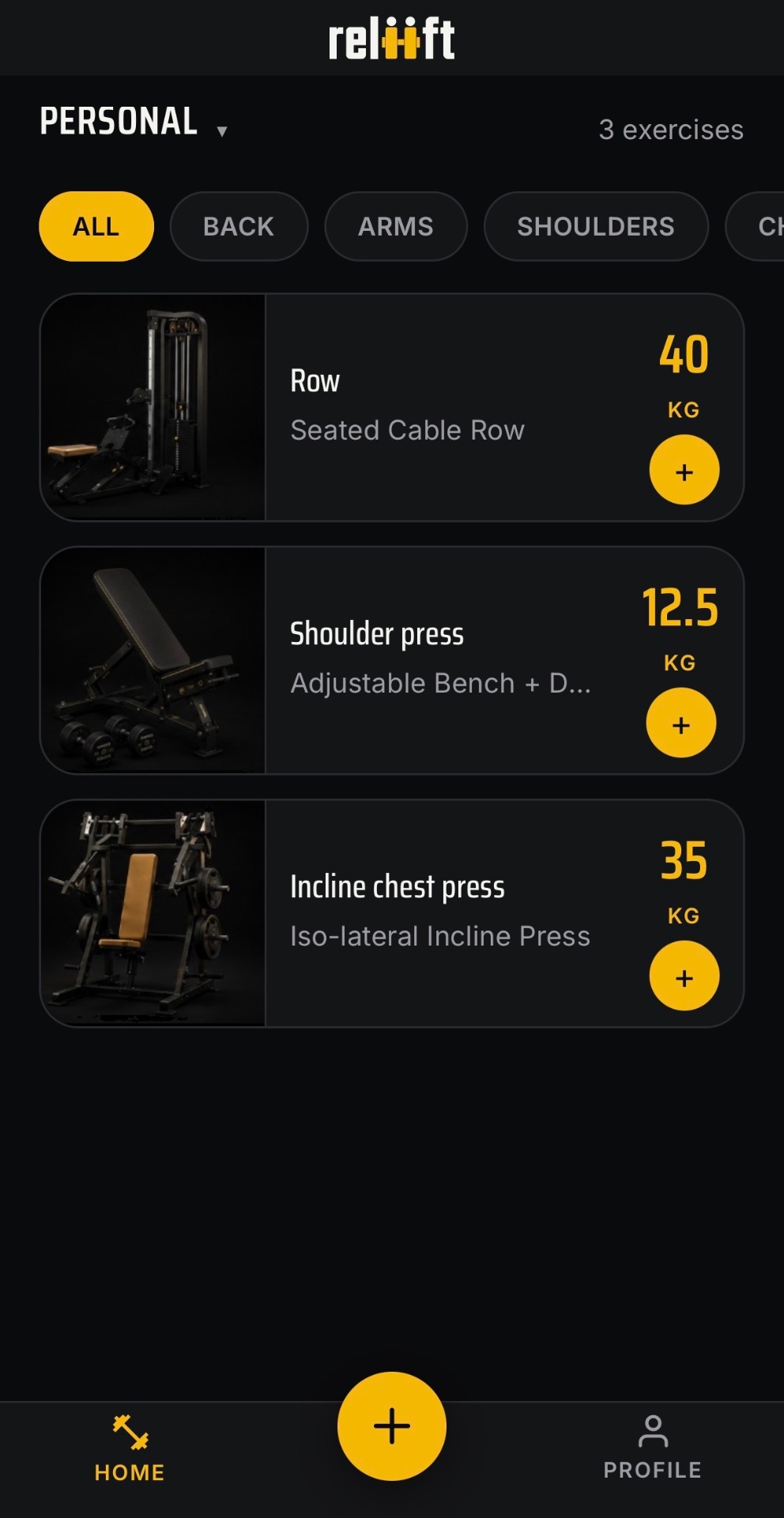
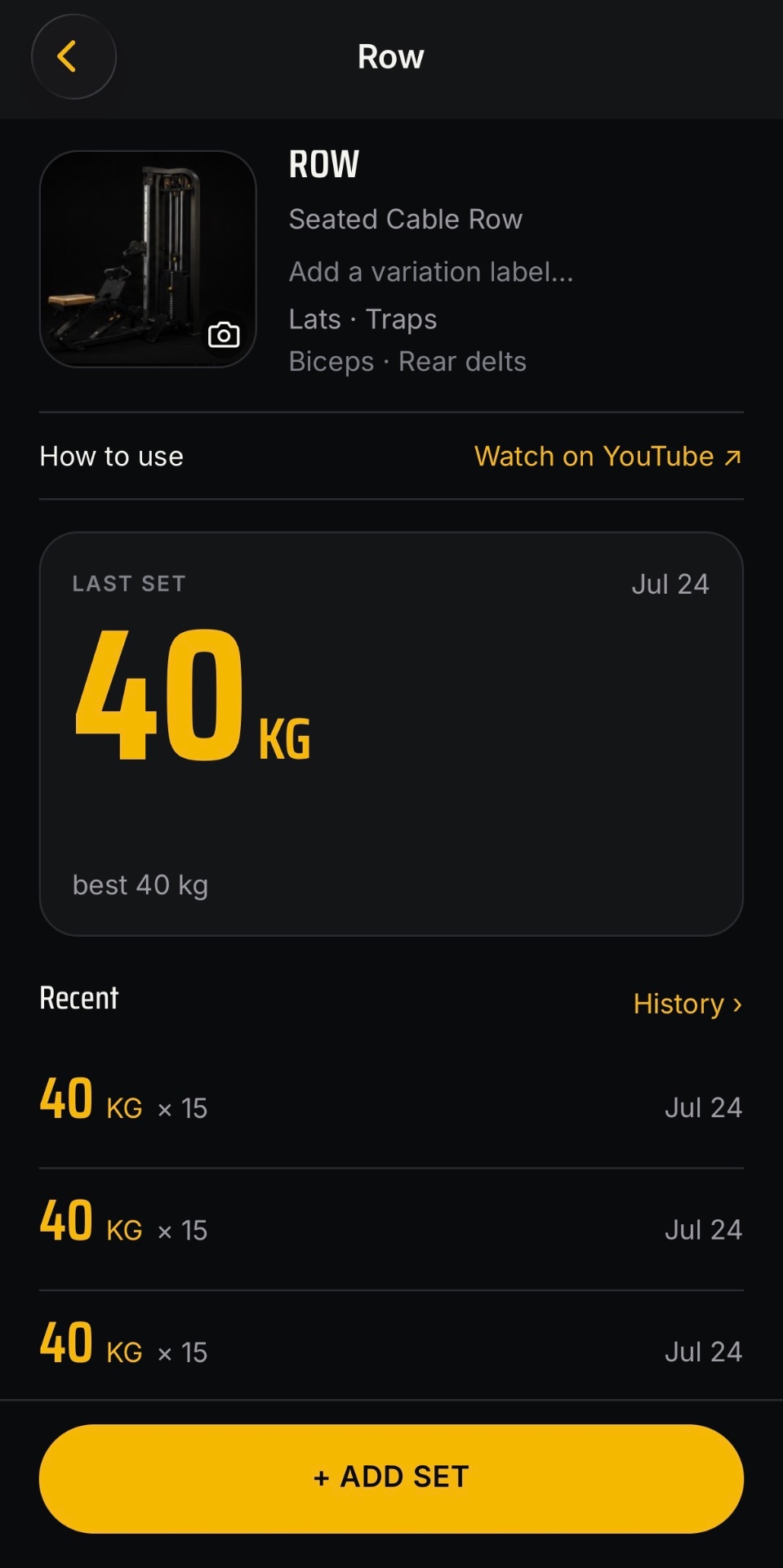
Three moves. Nothing else.
Add
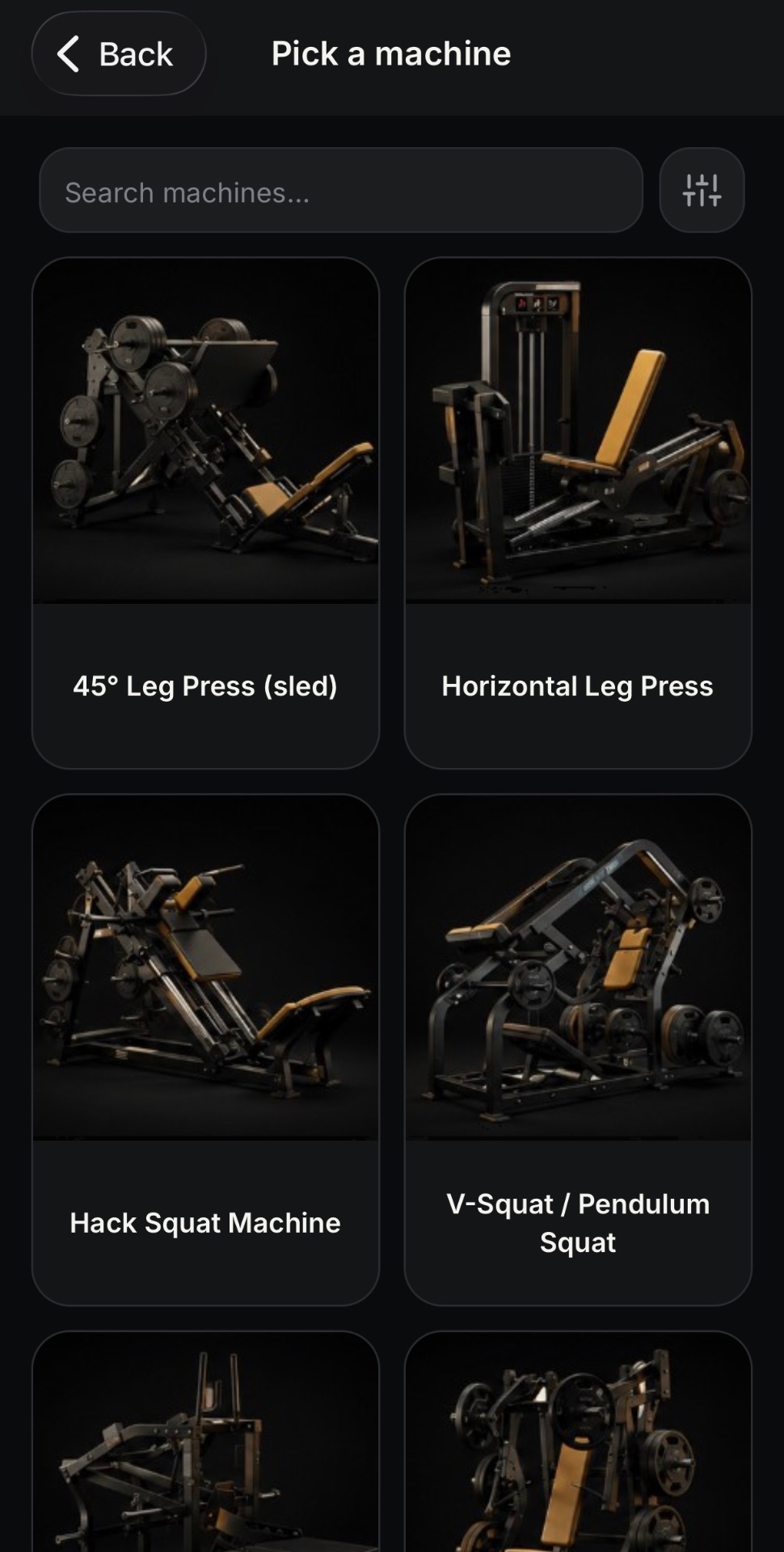
You're at a piece of equipment. Browse illustrations, tap the match, log your weight.
Remember
Next session, your weight is the first thing you see. Per-gym, per-exercise history.
Discover
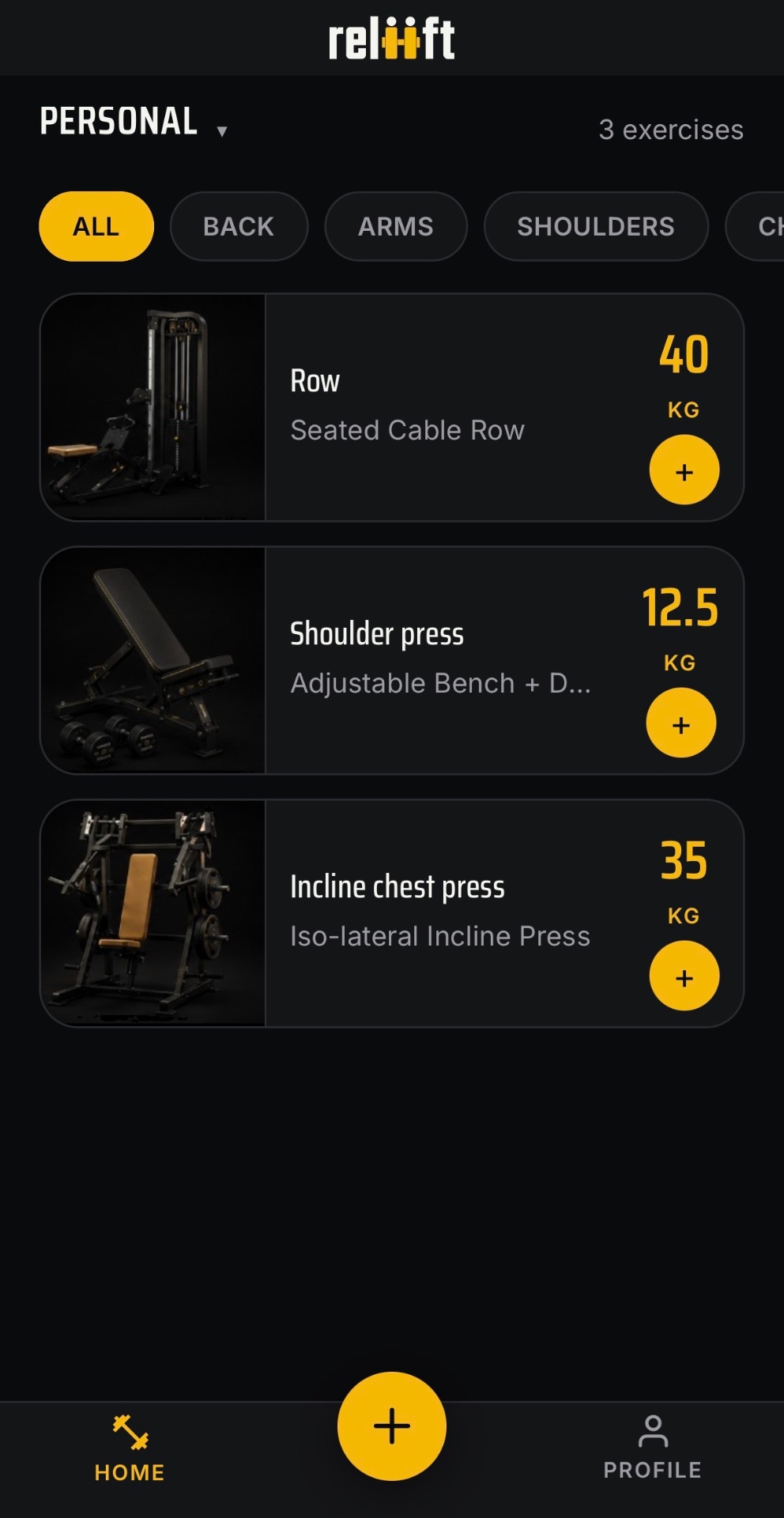
Pick a muscle group. See what you've saved that trains it — and what else in the catalogue does too.
A notes app stores a word. You don't remember a gym in words.
they store a name a beginner doesn't yet have. A week later it can't tell four similar machines apart.
Reliift starts from pictures
An illustrated catalogue you scan by sight. If your gym's version looks different, add your own photo.
they treat the room as one anonymous list. Your bench at Gym A and Gym B become the same entry.
Per-gym, per-exercise history
Your last weight is scoped to the equipment you were actually standing at. It's the first thing you see next time.
they're alphabetical. To find what trains your back, you have to already know what trains your back.
The muscle view
Pick a muscle group. See what you've saved that trains it, and what else in the catalogue does too.
Record what you did.
See what you did.
That's it. It doesn't coach you, plan for you, or tell you you're doing great.